Vastu Tips for Online Study and Digital Learning Spaces
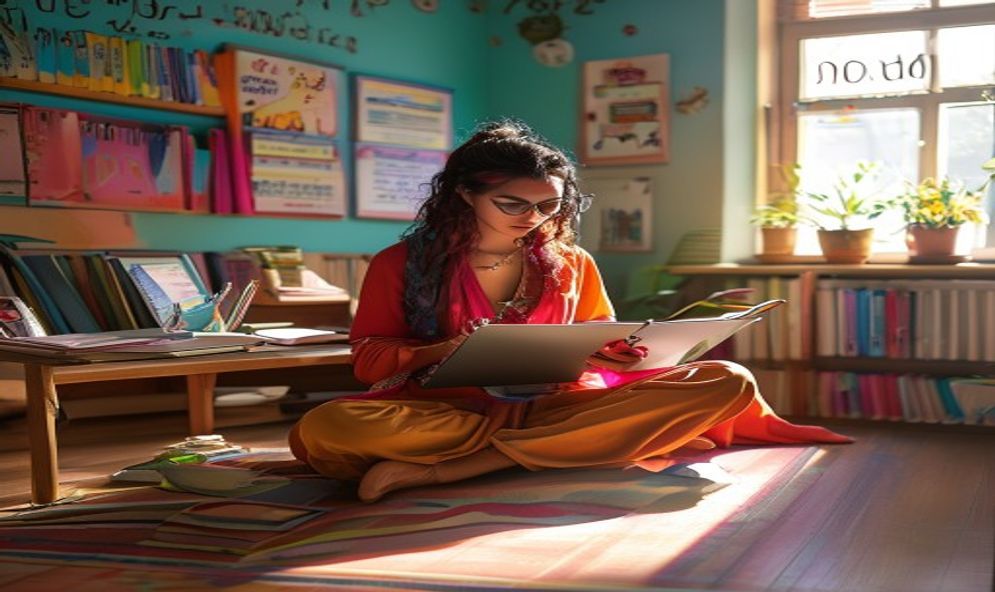
The rise of online education has transformed the way students learn. With laptops, tablets, and video calls replacing traditional classrooms, the study environment has changed dramatically. Online study Vastu principles help students adapt to this new learning paradigm by creating digital-friendly spaces that support focus, reduce eye strain, and maintain energy levels during long screen sessions. This guide covers everything you need to know about Vastu for digital learning.
Challenges of Digital Learning and Vastu Solutions
Online learning presents unique challenges: extended screen time, sedentary posture, electromagnetic radiation, and the blending of study and leisure spaces. Vastu offers solutions for all of these issues. By adjusting the placement of devices, optimizing lighting, and using energy-balancing tools, you can create a digital learning space that is comfortable, productive, and healthy.
The most important principle is to treat the digital study space with the same respect as a traditional classroom. Just because the teacher is on a screen does not mean the environment should be casual. A dedicated, well-organized digital learning Vastu space signals to the brain that it is time to focus and learn.
Choosing the Right Space for Online Classes
Ideally, the space for online learning should be separate from the bedroom. The bed is associated with rest, and studying from bed reduces focus and sleep quality. If you must use the bedroom, set up a dedicated study corner with a desk and chair. Use a screen or curtain to visually separate the study area from the sleeping area.
The study space should be in the east or north part of the room. Face east or north while attending online classes. This aligns your energy with the teacher's energy, even through a screen. Avoid studying from the south or southwest part of the room, as these directions promote lethargy.
Laptop and Computer Placement
The placement of digital devices in the study room is crucial for laptop placement Vastu. Follow these guidelines:
- Place the laptop or computer in the southeast corner of the study desk. Southeast is the direction of Fire, which governs electronic devices.
- The screen should be at eye level to avoid neck strain. Use a laptop stand if needed.
- Keep the screen clean and free from dust. A dirty screen scatters light and causes eye fatigue.
- Position the screen perpendicular to windows to avoid glare. Natural light should come from the side, not from behind or in front of the screen.
- Cover the laptop or tablet with a cloth when not in use. This contains the electronic energy and gives the room a break from electromagnetic radiation.
Managing Electromagnetic Radiation
Electronic devices emit electromagnetic fields (EMFs) that can disrupt the body's natural energy field. Long exposure to EMFs can cause headaches, fatigue, and difficulty concentrating. Use these Vastu remedies to minimize EMF impact:
- Place a clear quartz crystal or a shungite stone between you and the electronic device. These stones absorb and neutralize EMF radiation.
- Keep a small aloe vera or snake plant near the computer. These plants absorb radiation and purify the air.
- Turn off Wi-Fi during study breaks and at night. Constant Wi-Fi signals fill the room with invisible energy clutter.
- Use wired internet connections instead of Wi-Fi when possible. Wired connections emit significantly less radiation.
These work from home Vastu tips are equally applicable to digital learning spaces and help maintain your energy levels throughout the day.
Lighting for Screen-Based Learning
Proper lighting is even more important for digital learning than for traditional studying. The contrast between a bright screen and a dark room causes severe eye strain. Follow these lighting guidelines:
- The room should be well-lit with ambient light. Use a ceiling light or floor lamp to illuminate the entire room.
- Add a bias light behind the monitor. A small LED strip attached to the back of the monitor reduces eye strain by balancing the contrast.
- Use warm white bulbs (2700K-3000K) for evening study sessions. Cool white light can interfere with sleep quality if used late at night.
- Position the desk lamp so that it illuminates the keyboard and desk surface without reflecting off the screen.
- Adjust screen brightness to match the room's ambient light level. The screen should not be the brightest object in the room.
Chair and Posture for Online Learning
Good posture is essential for maintaining focus during long online classes. The Vastu of seating involves both physical comfort and energy alignment:
- Use a chair that supports the lower back. The spine should be straight, and shoulders should be relaxed.
- The chair should have armrests to support the arms while typing or using a mouse.
- Feet should be flat on the floor. If the chair is too high, use a footrest.
- Sit facing east or north, even during online classes. The direction affects your energy and attention span.
- Do not sit with your back to a door or window. This creates a sense of vulnerability and reduces focus.
Computer Vastu extends to the ergonomics of the digital workspace. A comfortable body supports a focused mind.
Organizing Digital Files and Desktops
Digital clutter is just as harmful as physical clutter. A messy computer desktop with hundreds of files scattered everywhere creates mental chaos. Apply Vastu principles to your digital space:
- Create clearly named folders and subfolders for each subject.
- Keep only current project files on the desktop. Archive or delete completed work.
- Use a clean, calming desktop wallpaper. Avoid busy, distracting images.
- Close unnecessary browser tabs. Each open tab consumes mental energy and attention.
- Empty the trash and downloads folder regularly to keep digital energy flowing.
Taking Breaks the Vastu Way
Online learning requires regular breaks to maintain focus and prevent eye strain. Follow the 20-20-20 rule: every 20 minutes, look at something 20 feet away for 20 seconds. During longer breaks, step away from the screen entirely.
- Step into natural sunlight for a few minutes during breaks.
- Walk around the room to change your energy position.
- Drink water from a copper vessel to rehydrate and refresh your mind.
- Stretch your neck, shoulders, and wrists to release physical tension.
Read more about study room lighting for concentration to optimize your digital learning environment further.
Frequently Asked Questions
Can I study online from my bed?
It is not recommended. Studying from bed mixes rest and work energy, reducing both sleep quality and study focus. Use a dedicated desk and chair for online classes.
How do I reduce eye strain during online classes?
Use proper ambient lighting, a bias light behind the monitor, and blue light filtering glasses. Take regular breaks using the 20-20-20 rule. Keep the screen at least an arm's length away.
Apply these Vastu for online classes tips to create a digital learning space that supports focus, health, and academic success. The right setup makes online learning feel natural and productive.